The Precision IDE for
Markdown Suites &
Visual Documentation.
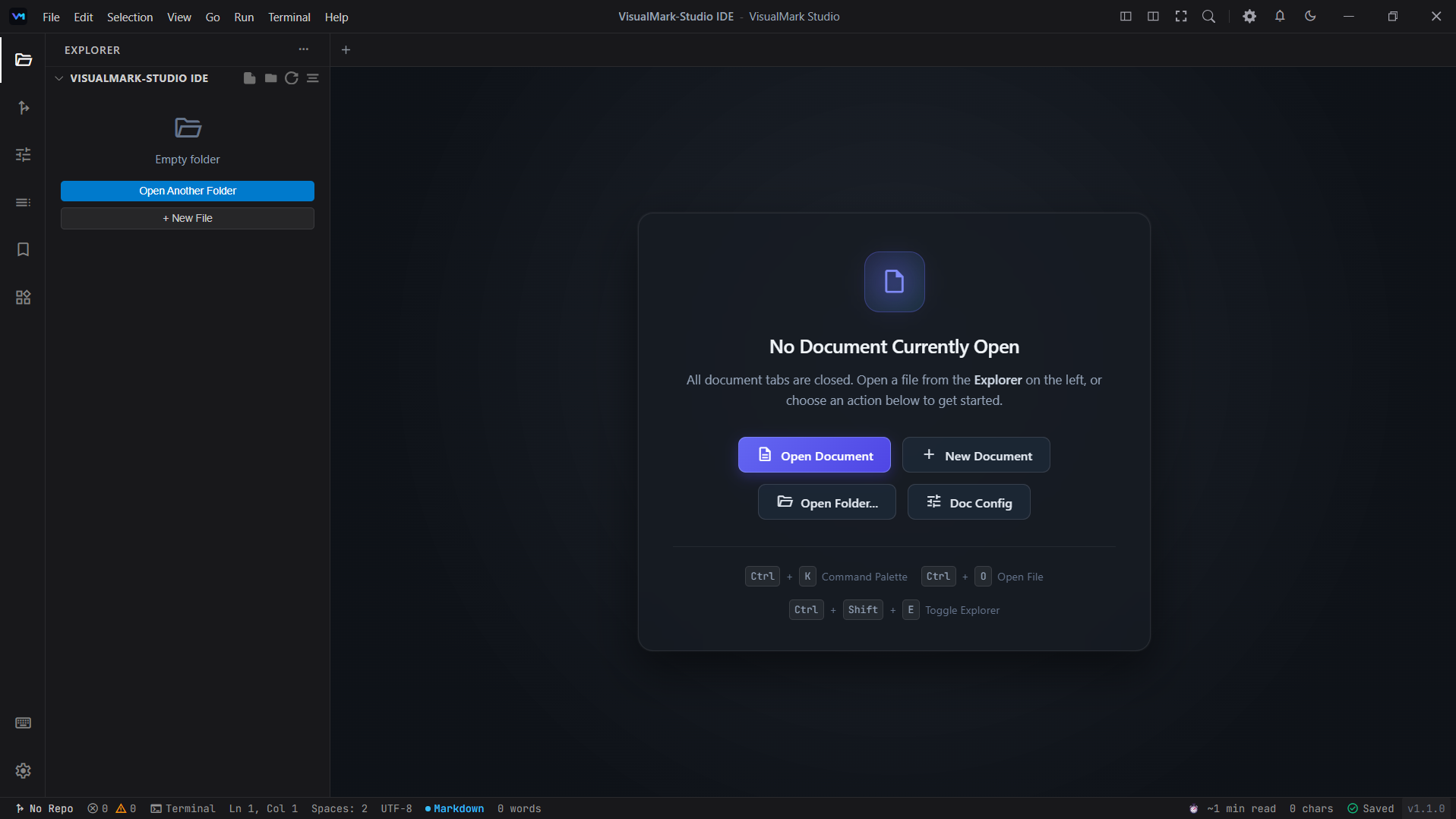
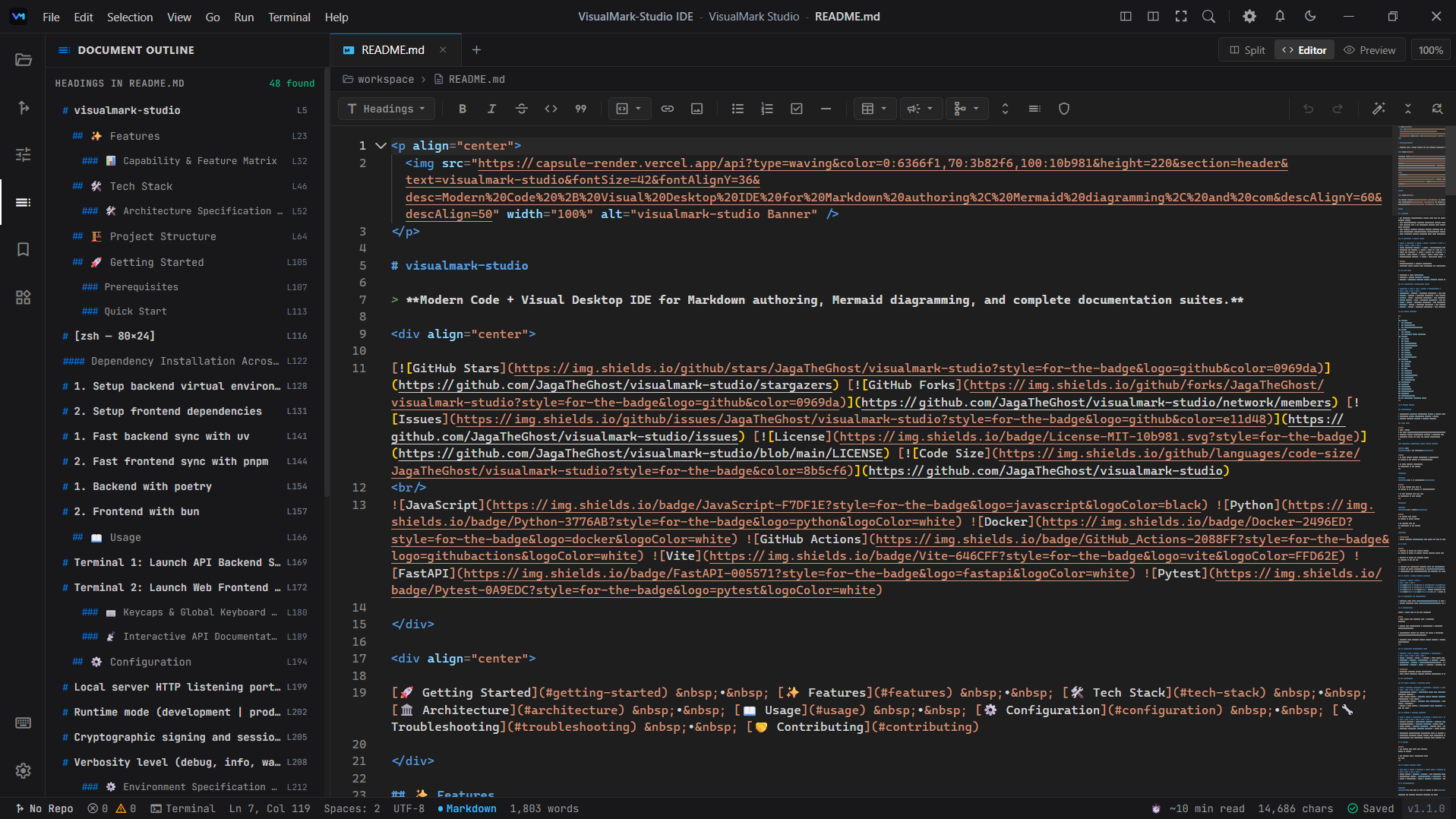
VisualMark Studio replaces fragmented documentation scripts with an integrated desktop workspace. Author code, assemble live Mermaid flowcharts, configure Shields.io matrices, and audit repository health with specialized visual builders.
Adaptive Workspace Architecture
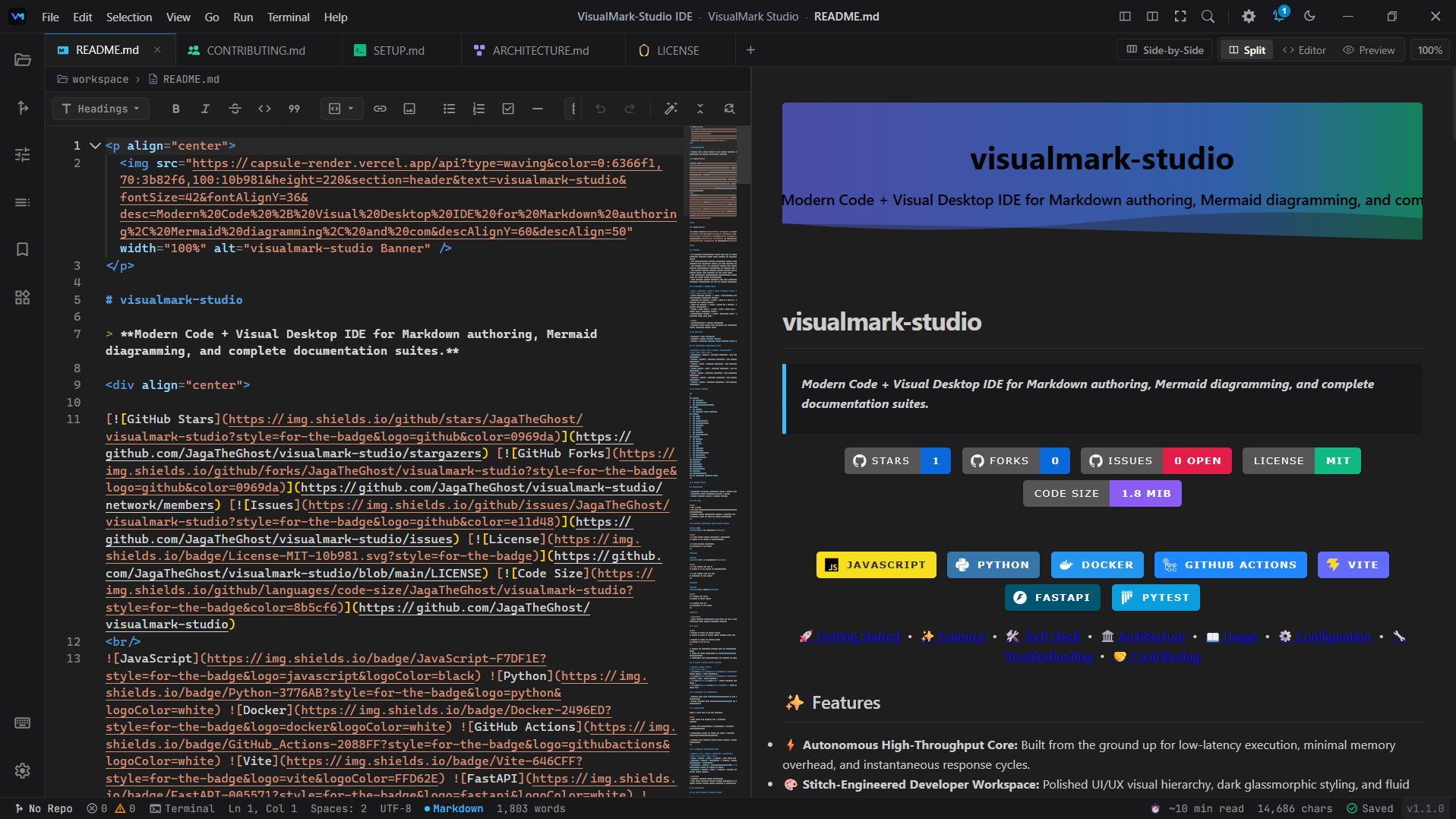
VisualMark Studio adapts to your documentation workflow. Switch instantly between real-time synchronized rendering, focused editing, and clean reader proofreading.
Specialized Visual Studios
Dedicated graphical builders embedded directly into the editor. Eliminate syntax memorization, broken tables, and manual badge hacking with real-time visual authoring.
Shields.io Badge Studio
Architect custom SVG shields, devicon tech arrays, brand plates, and automated build status indicators with pinpoint hex palettes.
What It Eliminates
Stop looking up Shields.io query syntax, manual logo parameters, or hex codes. Design standard or plastic badges visually and insert valid Markdown instantly.
[](https://react.dev)More Built-in Tools for Effortless Workflows
Everything you need to author, inspect, and package production-grade documentation without leaving your IDE.
Mermaid Diagram Studio
diagrams.studioVisually compose flowcharts, sequence diagrams, ER data models, and Git branching topologies with live vector rendering.
Visual Table Studio
tables.studioSpreadsheet-style interactive grid. Insert rows/columns, customize column alignments, and export clean Markdown tables.
Directory Tree Studio
tree.studioScan and render clean Unicode, ASCII, or Emoji repository folder structures with depth controls and inline file notes.
Image & Banner Studio
images.studioGenerate repository hero banners, frame screenshots in macOS window mockups, and create side-by-side asset comparison grids.
Health & Linter Audit
audit.studioScan Markdown suites against 7 standard profiles. Get a 100-point scorecard and 1-click automatic structure repairs.
Changelogs & Releases
changelog.studioAuthor Keep-a-Changelog standard release notes with SemVer bumping, categorized bullet points, and automated tag links.
From Zero to Complete Suite in 4 Steps
Experience how VisualMark Studio automatically audits codebases and orchestrates full companion documentation suites without manual boilerplate.
Repository Architecture Scan
Deep-scans package manifests (package.json, Cargo.toml, pyproject.toml, Docker Compose) to detect stack frameworks, runtime targets, and licenses.
Companion Suite Orchestration
Generates a complete synchronized documentation suite: README, CONTRIBUTING, ARCHITECTURE, CHANGELOG, and CODE_OF_CONDUCT with shared variables.
Visual Studio Injections
Enrich documentation with interactive Mermaid architecture flowcharts, shields.io badges, devicon tech racks, and directory trees without raw syntax.
Live Sync & Direct Workspace Save
Dual-pane synchronized editing with instant HTML/SVG preview, markdown linting, and 1-click writing directly to your local repository directory.
Pre-Configured Architecture Blueprints
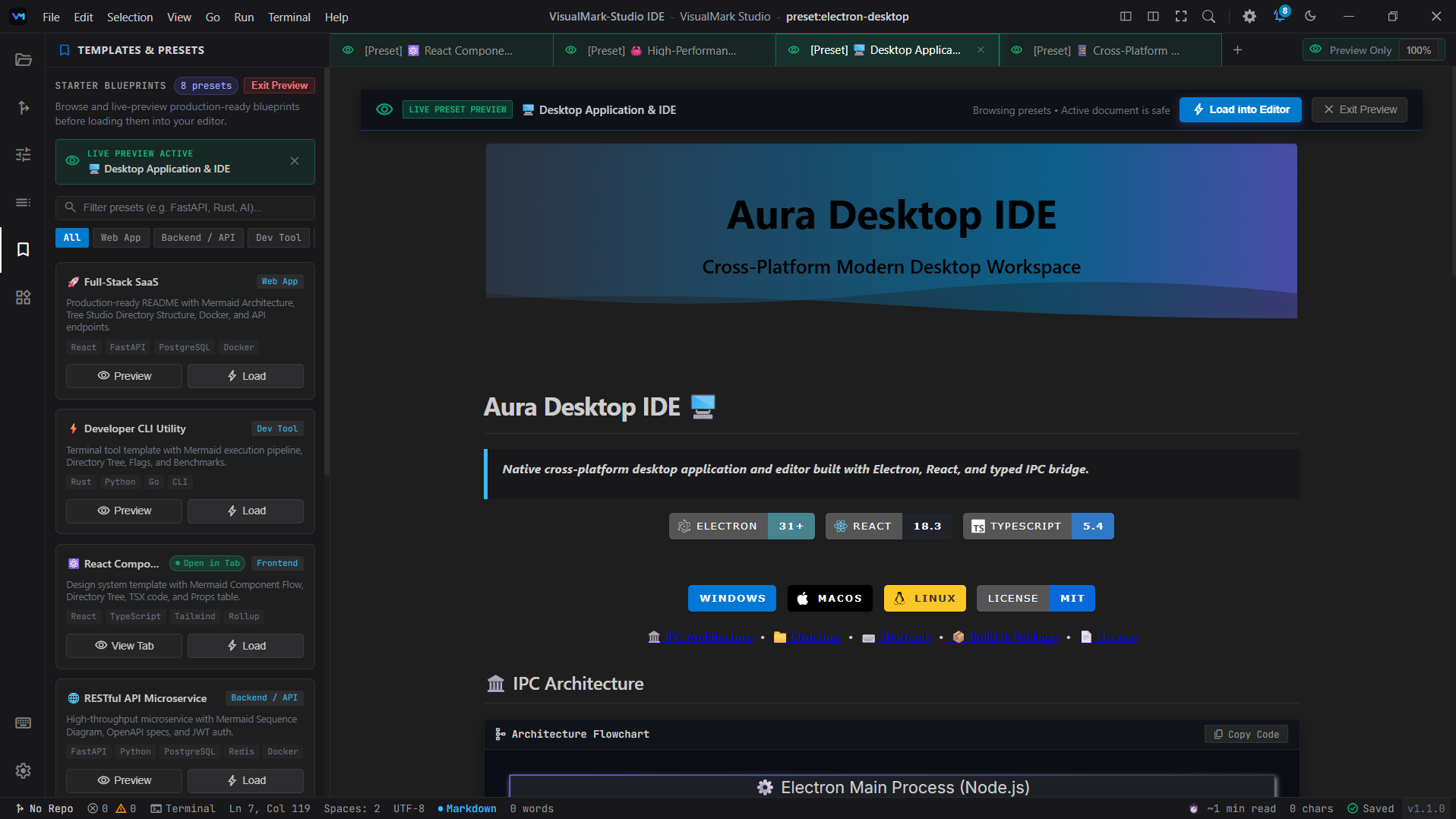
Skip the blank page. Select from production-tested blueprints featuring Mermaid topology flowcharts, multi-service directories, and Docker specifications.
Test The Studio In-Browser
Explore our foundational web generator right inside your browser without installing anything, or download the native desktop IDE for the comprehensive native experience.
Download VisualMark Studio
Engineered from the ground up for privacy-first, blazing-fast Markdown authoring. VisualMark Studio delivers a dedicated desktop environment with 10+ integrated visual builders, instant bidirectional markdown preview, and deep repository architecture scans.

Windows 10 / 11
v1.1-stable
Includes the full standalone desktop installer (.exe) with auto-updater and zero-install
portable executable archive.